
Should I upgrade the RAM of my Apple Mac and can it be done. Updated 2022
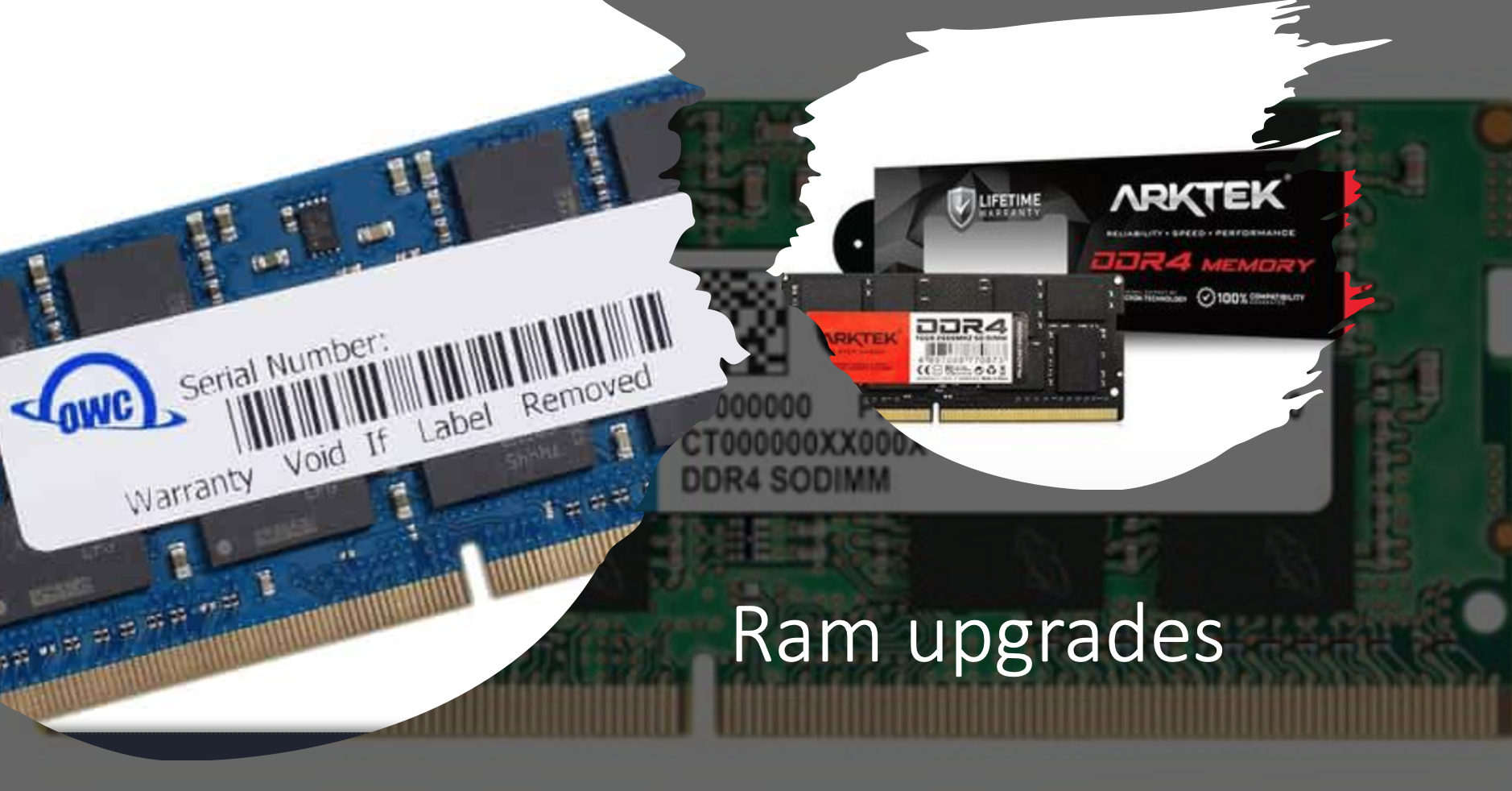
Does my MacBook allow RAM upgrades?
The memory known as RAM is the parts of your Mac that it uses while it is on and stores everything that it is thinking about.
RAM cannot be updated if the MacBook Pro has a Retina display and there is no update for any MacBook Air as well. In the majority of iMacs, the RAM can be updated except for the 21.5 models from mid-2014 and late 2015 with their RAM soldered into place.
What size should I consider for my upgrade?
8GB RAM: The minimum needed for any gaming PC but some games might need more.
16GB RAM: This amount is good for Windows and macOS systems and even more advanced gaming.
32GB RAM: For professionals and some demanding games.
64GB RAM: Needed for workstations.
Will you be able to speed up your Mac if you increase the RAM?
Generally, faster RAM will have faster-processing speed increasing the speed at which memory transfers information and making your Mac more efficient.
Although additional RAM could increase power consumption it is better to have too much and not too little RAM.
How to reduce RAM usage.
– Tidy up your Desktop.
– Close or merge Finder windows.
– Shut down web browser tabs and delete extensions.
– Make sure you have sufficient disk space.
Tips to increase your Mac’s speed.
– Restart occasionally.
– Delete your screen saver.
– Limit the number of web tabs open.
– Remove unused applications.
– Reduce the applications in your Dock.
Choosing the correct speed is important.
Once you have decided on the RAM you need it is important to choose the correct speed that is compatible with your Mac’s Logic Board as well as if you add a module it must be the same speed as the other one. It is advisable to use two identical RAM sizes.
The final outcome:
When you find your computer is being very slow an SSD could be the better way to go but adding the RAM can add that extra boost.
So for those who don’t need a RAM upgrade, the better choice might be getting an SSD, upgrading to a new CPU, or installing a new graphics card.
Contact Us
(+27) 083 656 8992
(+27) 079 053 9964
admin@zasupport.com
22 North Road, Dunkeld West, Johannesburg
Saturday: 9am – 1pm
Sunday: Closed
Get Started
Reach out to us to receive expert Apple support.
Simply complete our easy 2 minute book in form.
When is my Apple iMac outdated? Updated 2022
When is my Apple iMac outdated? When is my Apple iMac outdated? You should consider replacing your iMac when 1. It is too old to update as your Mac is limited to what macOS it can be updated too. 2. You can no longer find parts to repair it. 3. If your Mac...
Update on Apple’s launch of the MacBook Pro 14″ and 16″ and MacOS Venture. Updated 2022
Update on Apple’s launch of the MacBook Pro 14″ and 16″ and MacOS Venture.Update on Apple’s launch of the MacBook Pro 14″ and 16″ and MacOS Venture. Apple has been working on the M2 versions of the MacBook Pro 14" and 16" and the new macOS Ventura. The rumor is...
How to take care of the battery of your Apple Mac.
How to take care of the battery of your Apple Mac. How to take care of the battery of your Apple Mac. A battery is a physical and chemical process and how it is used affects how long it lasts. Every battery has a certain number of times or cycles, that it can...
Most frequently asked questions regarding Apple Mac Keyboards. Updated 2022
Most frequently asked questions regarding Apple Mac Keyboards.Most frequently asked questions regarding Apple Mac Keyboards. The keyboard is one of the most used parts of your Mac and when it does not work it can bring your activities to a stop. What type of...
Should I buy a pre-owned or new Apple Mac? Updated 2022
Should I buy a pre-owned or new Apple Mac?Should I buy a pre-owned or new Apple Mac? Benefits of a certified pre-owned Mac. 1. They are as good as new. Each product is tested to make sure it is in working condition going through several tests....
SHOULD I UPGRADE MY OLD MAC OR BUY A NEW ONE? UPDATED 2022
SHOULD I UPGRADE MY OLD MAC OR BUY A NEW ONE? SHOULD I UPGRADE MY OLD MAC OR BUY A NEW ONE? You might love your old Mac but it is no longer performing and you should consider upgrading or replacing it. Because each individual has different needs and...