
Why you
should
consider
ZA Support
Apple Experts for
all your Mac
repairs, upgrades
and support.
Why you should consider ZA Support Apple Experts for all your repairs, upgrades, and support?
ZA Support is a Mac specialist in South Africa for more than 14 years.
Our goal is to be the number one Mac Specialist.
We create long-term relationships and have supported over 120 000 customers since we started.
We pride ourselves on expert service and support and value the feedback of our clients.
Here are some of our recent Google Review Reports. You can read more on our Google Page.
Thank you guys for a very professional service. My old laptop felt new and your constant communication before, during, and after service took the cake!
From service to turnaround time. ZA Support has been assisting me since 2014 with all things apple. Honestly the best in the business!
Such a pleasant experience dealing with ZA Support, I had some water damage on my 2019 MacBook Pro but Elise put my mind at ease from the first call. They were transparent about the cost of repair and they kept checking in with me to let me know how they are progressing. I had my MacBook back within 3 business days. Would definitely recommend them to friends and family.
This has to be the best customer service I have ever received. Communication was consistent and immediate. I can highly recommend Courtney and the team! You are in good hands.
What Mac Services are on offer?
1. Repairs on all Macs (age not a problem)
2. Upgrades
3. Updating software
4. Pre-owned Macs for sale
5. New Macs
Please contact ZA Support if you have any questions or need help.
Contact Us
(+27) 083 656 8992
(+27) 079 053 9964
admin@zasupport.com
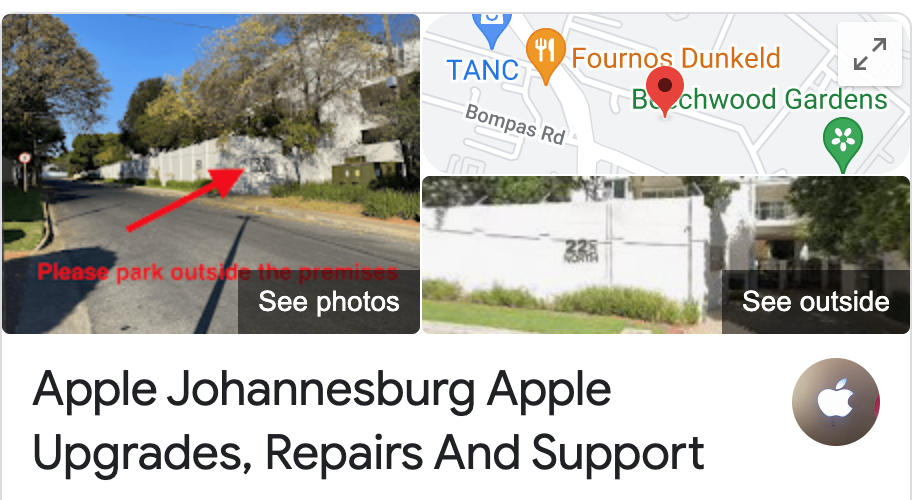
22 North Road, Dunkeld West, Johannesburg
Monday-Friday: 6am – 6pm
Saturday: 9am – 1pm
Sunday: Closed
Saturday: 9am – 1pm
Sunday: Closed
Get Started
Reach out to us to receive expert Apple support.
Simply complete our easy 2 minute book in form.
How to remove the Micro-SIM Card on an Ipad
If you need to change your service provider, or your SIM card is faulty and needs replacing on iPad Wi-Fi + 3G, you need to remove the micro-SIM card. To do this, follow these 3 easy steps: 1. First insert the end of the SIM eject tool into the hole on the SIM tray....